 1st JMSB
QV/04.01Guide
The TACPAD
Your map screen is the tablet: live tiles, the squad rail, the message reader and the tools, all on the map.
G1GuideWhere it is
Open the map. The tablet draws on it - there is nothing to carry and nothing to bind. Drag any panel by its header; right-click a header to put it back where it started. ESC, a click on the map, or the panel's CLOSE shuts an app.
G2GuideThe live tiles
The band across the top. Each tile is a live readout and the button that opens that app:
- DRONES - CLEAR or DETECT, bearing and range of the nearest hostile drone. Opens the drones page.
- JAM - RF %, SPECTRUM CLEAR / DEGRADED / SMOTHERED. Opens the jamming page.
- HACK - LOCKED or READY, "IN RANGE - PRESS TO OPEN". ISR operators only.
- INTEL - the files you have recovered.
- WEATHER - wind, visibility, first and last light, moon.
- TIMER - shared alarms and a stopwatch.
- RADIO - who is with you on the channel.
- SUPPORT - TAC//SUPPORT: transport, air and artillery (when ALiVE is running).
- PAC - your record, the roster, the OPORD, requests.
A tile your role does not get is not drawn. A band dragged too narrow shows +N at its right edge.
[PICTURE: the tile band close up, one tile per app]
G3GuideThe squad rail
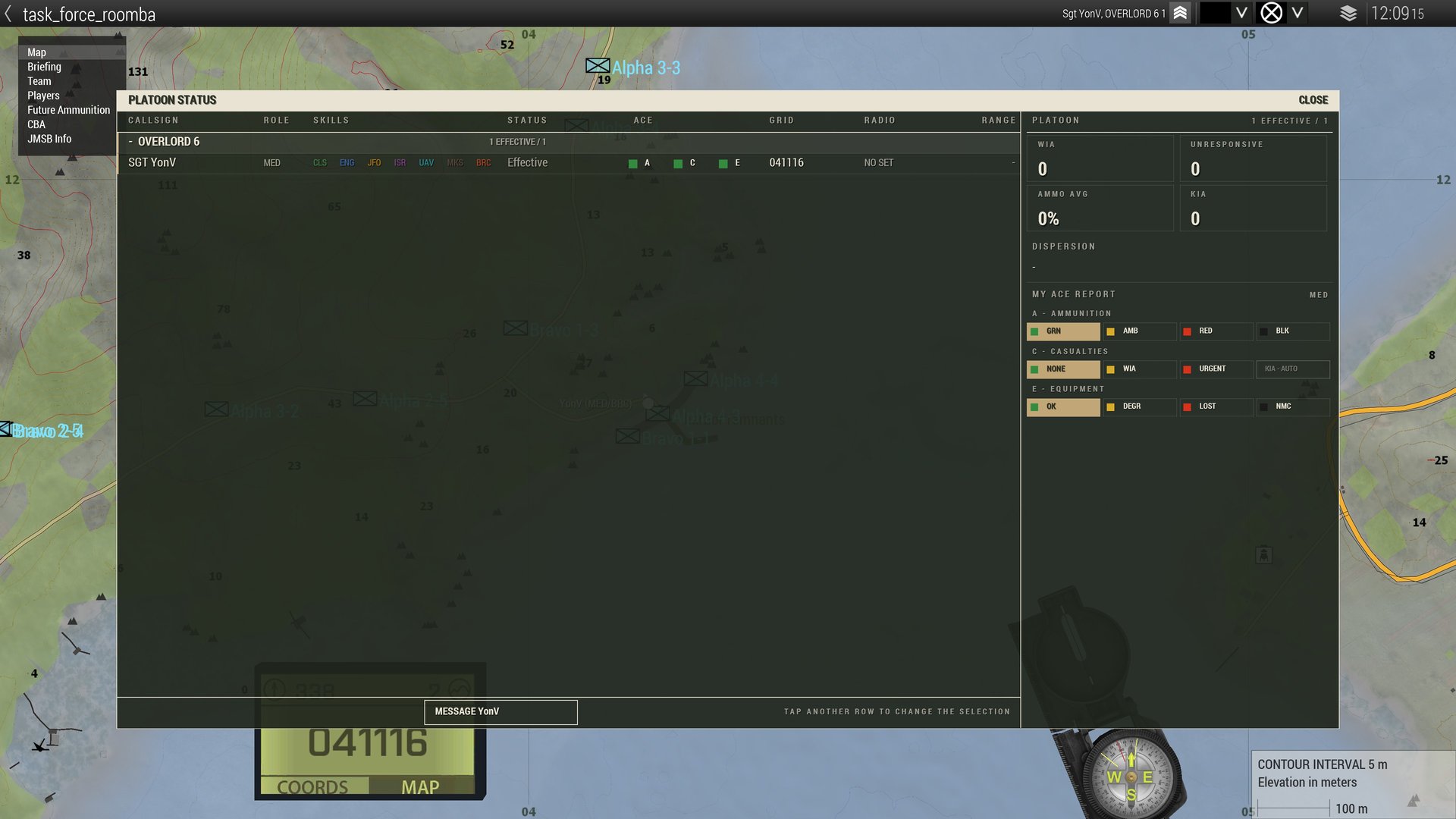
One row per man, coloured by health: green, amber (wounded), grey (unconscious), black (killed). Press a row for SQUAD STATUS: his ACE report, FILE CASEVAC FOR him with the grid already filled, MESSAGE him, TUNE his radio. Leaders also get PLATOON STATUS.
Your own ACE report - A ammunition, C casualties, E equipment, each GRN / AMB / RED / BLK - publishes the moment you press the letters. There is no send button.
G4GuideTroops in contact
The big button under the rail. One press files a TIC on the command net with "CONTACT - DETAILS TO FOLLOW", marks the map for your side and alerts everyone. It holds for 30 seconds after a press. Write the details in the thread afterwards.
[PICTURE: the TROOPS IN CONTACT button]
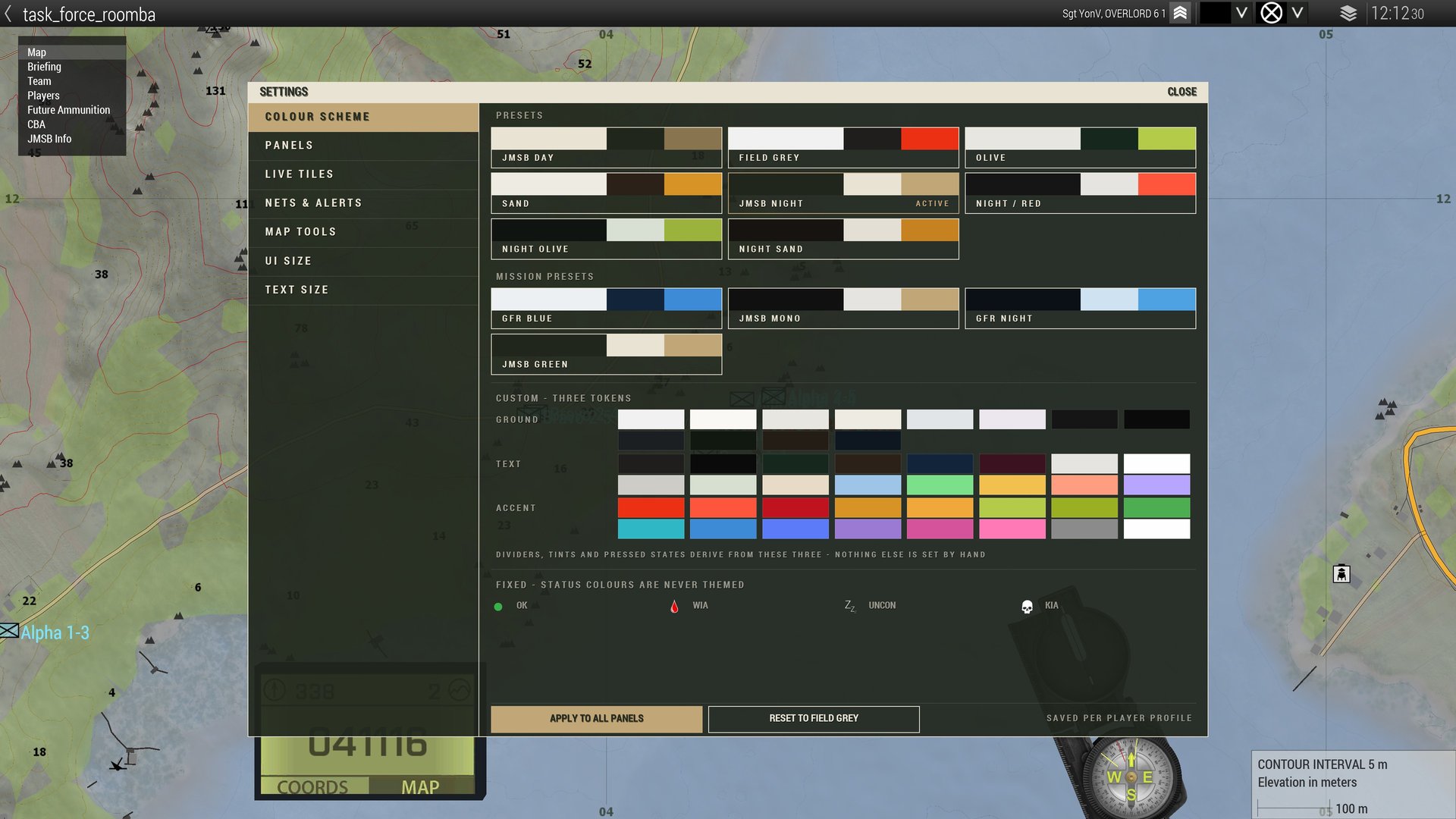
G5GuideSettings
The gear under the reader. Colour scheme (JMSB Night is the default), which panels show, which nets alert you, UI and text size, your quick replies.