 1st JMSB
QV/11.01Guide
The radios
The MPU5 and the TW-950, game voice on Arma's own VON, your nets, the keys, and how the signal finds its way.
QV/11.01/G1GuideThe MPU5
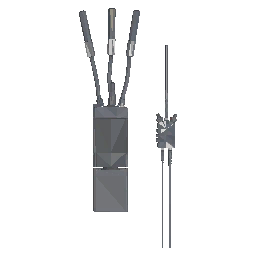
The unit's handheld and every role's default radio. It sits in your radio slot, and it is what puts you on your nets: with no radio you have only the vehicle intercom and direct voice. It is a MANET set, so it relays for the men around you - your signal finds a path radio to radio, through vehicles, and through the base stations at the staging zone and the patrol bases, which link to each other by satellite. There is no fixed range.
QV/11.01/G2GuideThe TW-950
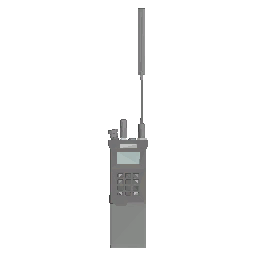
The second handheld, in the arsenal under Tools. An older set: it does not relay and reaches less far. Take it if you want it; the one you carry goes in the radio slot.
QV/11.01/G3GuideGame voice, TFAR and ACRE
- Game voice is the unit's radio: Arma's own voice chat, nothing to download. Bind Push To Talk in Options > Controls > Multiplayer and turn your VON volume up; that is the whole setup. There are no man packs under game voice.
- TFAR nights: the MPU5 works as a PRC-152-class set with its own dialog; the man packs are back.
- ACRE nights: ACRE uses its own radios from your kit; the MPU5 in the slot is ignored.
QV/11.01/G4GuideYour nets
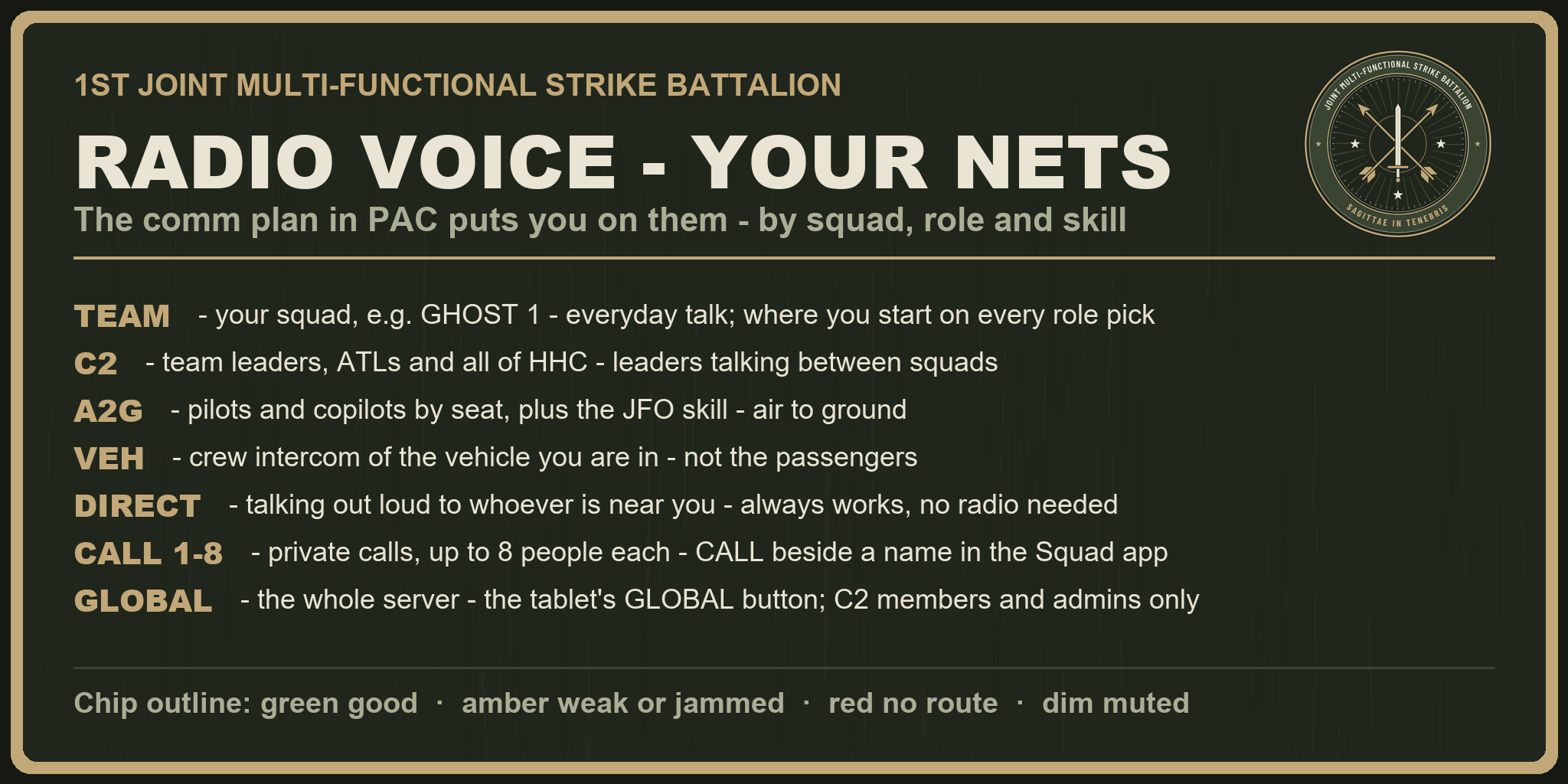
The comm plan in PAC decides your nets from your squad, your role and your skills. When you pick a role or respawn you start on your squad net.
- TEAM - your squad, e.g. GHOST 1. Everyday talk.
- C2 - team leaders, ATLs and all of HHC. Leaders between squads.
- A2G - pilots and copilots by seat, plus the JFO skill. Air to ground.
- VEH - crew intercom of the vehicle you are in, not the passengers.
- DIRECT - talking out loud. Always works, no radio needed.
- CALL 1-8 - private calls, up to eight people each.
- GLOBAL - the whole server, from the tablet's GLOBAL button; C2 members and admins only.
- RTO nets - a net an RTO or admin makes on the tablet's RADIO > MANAGE, by squad and by name. Everyone named gets the chip.
QV/11.01/G5GuideKeys
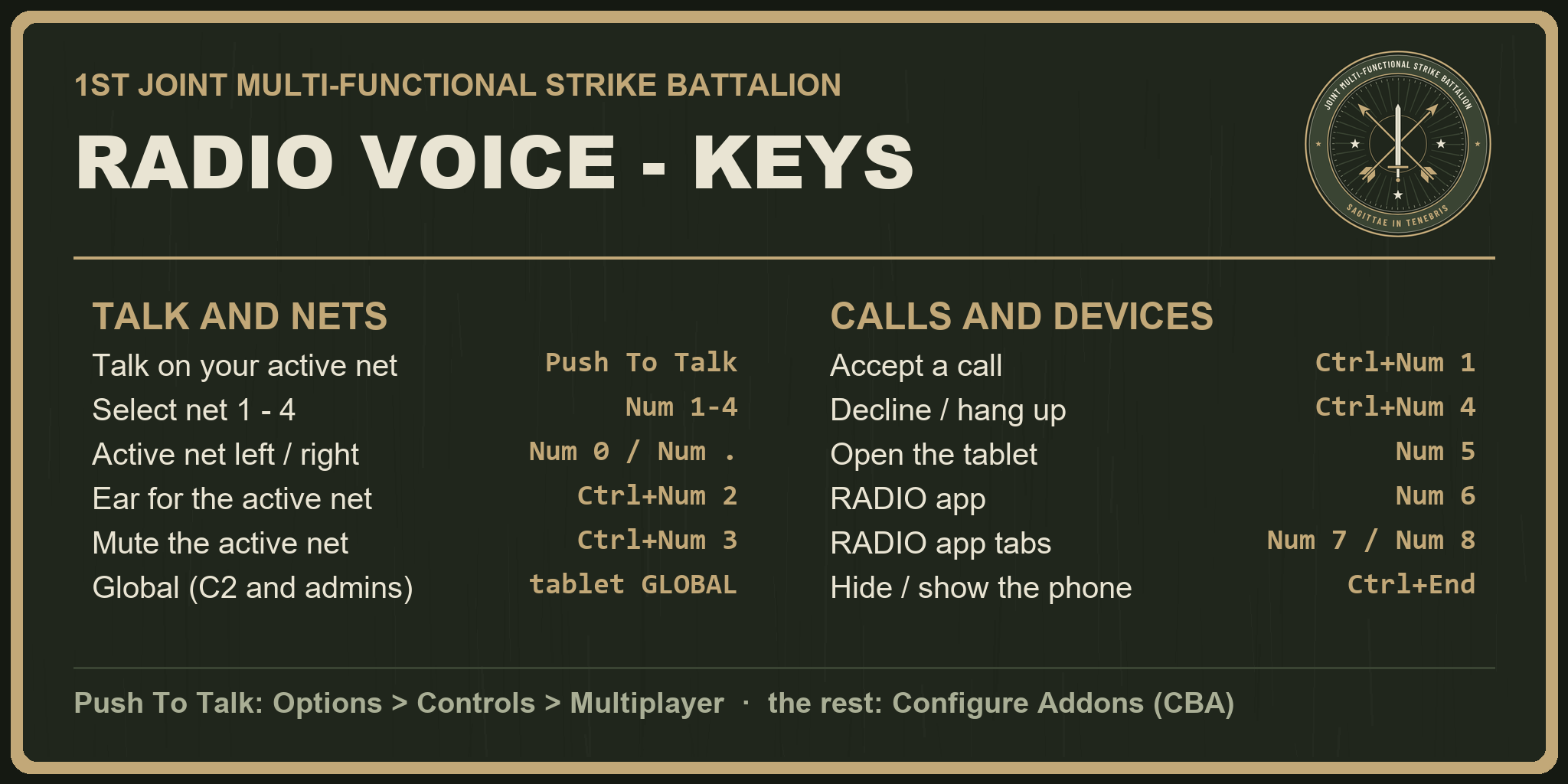
- Push To Talk - talk on your active net, the filled chip. The chip goes red with TX while you hold it.
- Num 1-4 - make net 1-4 your active net, by the number on its chip. Num 0 / Num . step left and right.
- Ctrl+Num 1-4 - the device F-keys: accept a call, ear, mute, decline or hang up.
- Num 5 the tablet, Num 6 the RADIO app, Num 7 / 8 its tabs, Ctrl+End hides the phone.
All rebindable: Options > Controls > Configure Addons > 1st Joint Multi-Functional Strike Battalion.
QV/11.01/G6GuideHearing and signal
A weak path means a quieter voice with static under it; no path and you hear nothing. The chip's outline says it: green good, amber weak or jammed, red no route, dim muted. A path that drops is held three seconds before the voice cuts. Unconscious or on radio silence your radio nets close; DIRECT always works.
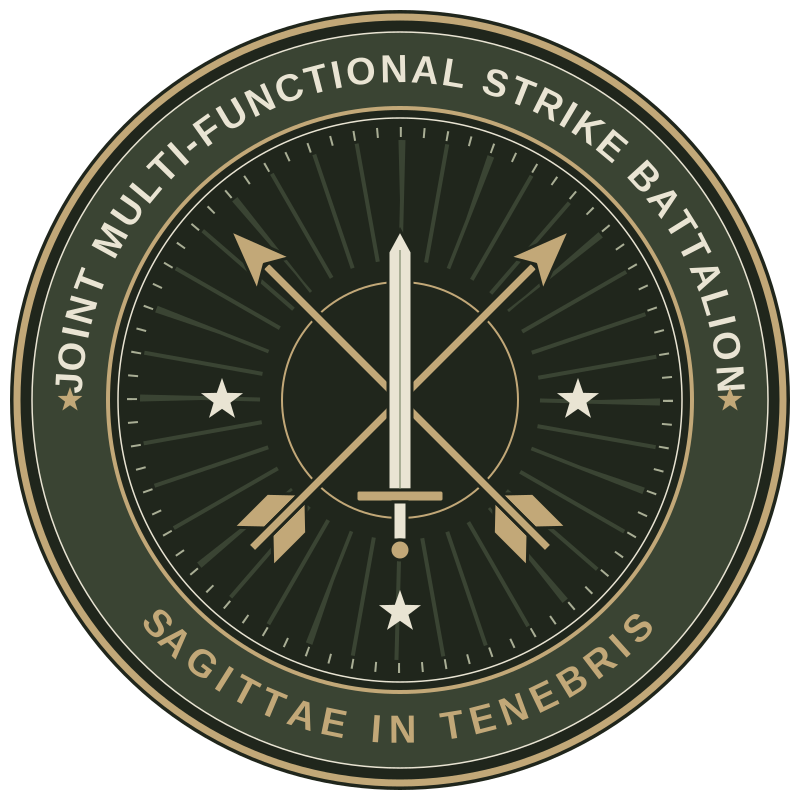
QV/11.01/G7GuideHow it works, in seven lines